Insights

Team sites vs Communication sites in SharePoint

In 2017, Microsoft made ‘Communication sites’ generally available for SharePoint Online or Microsoft 365 users.

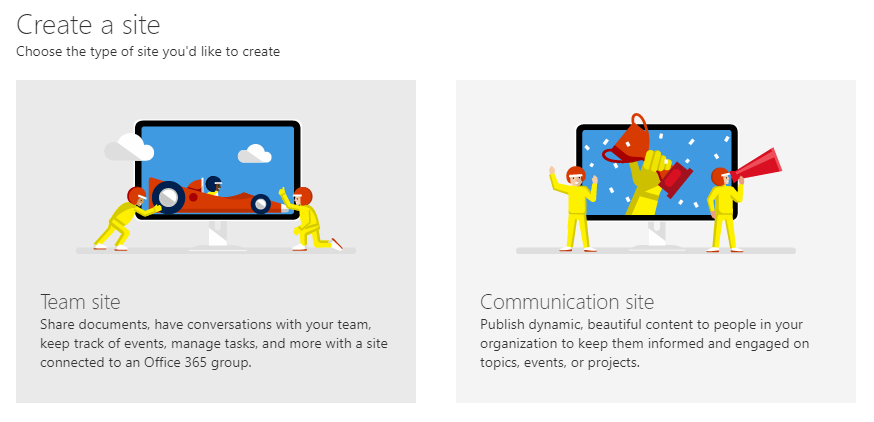
Now, when creating a new site in SharePoint you have the option to choose between a traditional Team site or a new Communication site – in this article we breakdown the differences between the two and when you should pick which sites type.

Looking to implement a SharePoint intranet? Our on-demand webinar “Building a modern intranet with SharePoint Online” gives an overview of how to build a modern intranet using SharePoint and Microsoft 365.

Which to choose - Team site or Communication site?

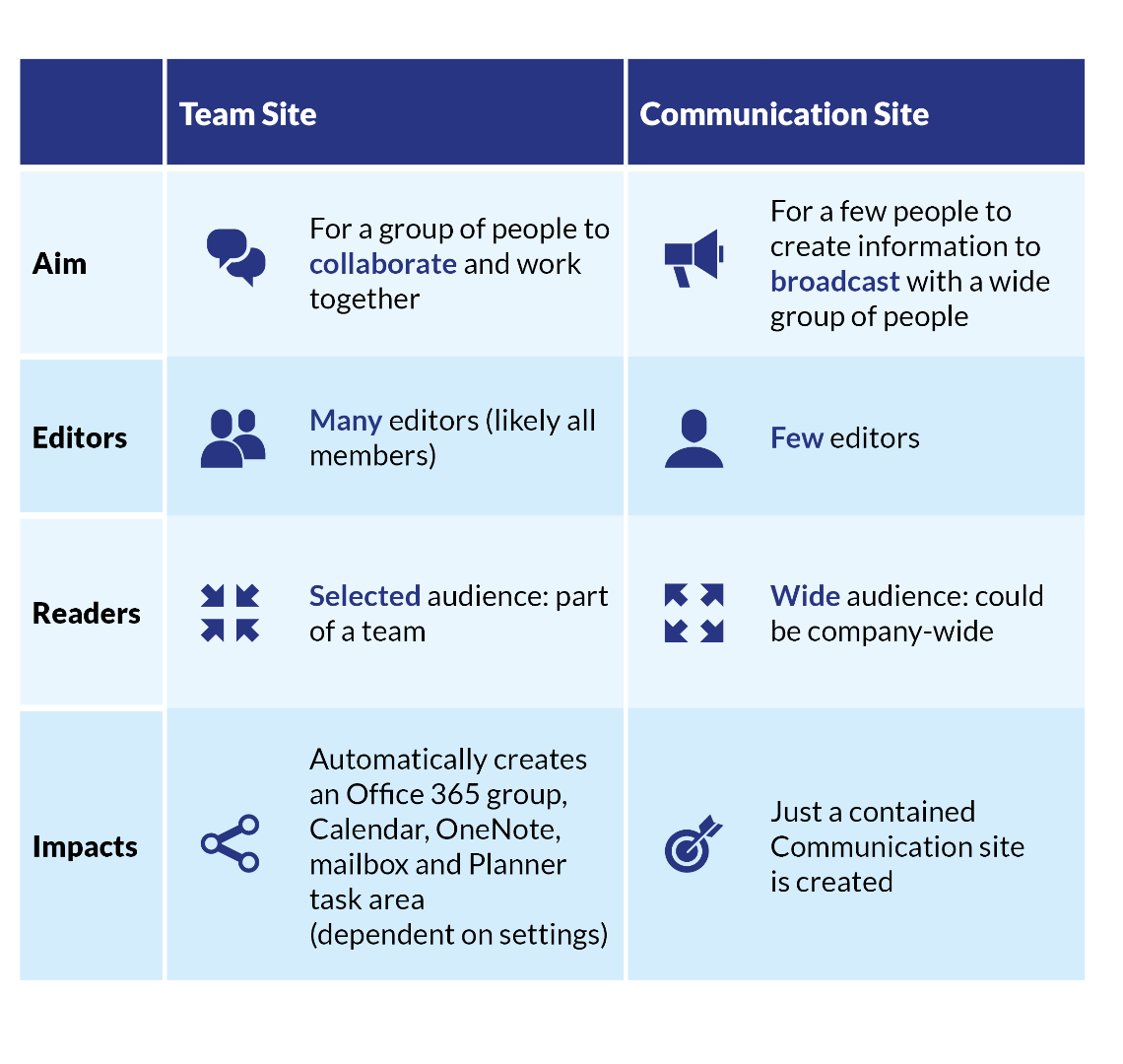
There will be times when using a Communication site will be better suited to your needs; and at other times a traditional Team site will be most suitable. Both options have their strengths, however the best choice is dependent on the objective of the site and the intended audience. If you would like a small number of people to share information to a wide audience then a Communication site is best (few editors, wide audience & broadcast a message without people editing). If you would like a team to work together on documents and information then a Team site is best (selected audience, all editors & content being regularly amended).

Examples:

  • You want a place for sharing company news & events – Communication site. Why? Dedicated editors can easily create visual news and events and then share with your organisation.
  • You would like a place for Sales team to store and work on their proposals – Team Site. Why? People can contribute and work together and you could develop the site further for automated workflows if required.
  • You want to organise internal communications for a product launch – Communication site. Why? A small people will be sharing visual information about the new product – images, articles, press releases and sharing them with the whole company to view it.
  • You want to build a new product and have a place to work on this – Team site. Why? This isn’t about sharing official news, this is where you want to work together, edit information and share ideas. A team site is the best place for working together.

How the two compare

Need SharePoint guidance?

Chorus are Microsoft SharePoint specialists, helping organisations get the most from modern SharePoint sites, alongside the powerful features of Microsoft 365. If you’d like to find out more about SharePoint, or have any questions please get in touch with us.